What is gpu-video?
A short description of the motivation behind gpu-video, a library for hardware accelerated video decoding and encoding.
10 Nov 2026 · Video processing · gpu-video ·
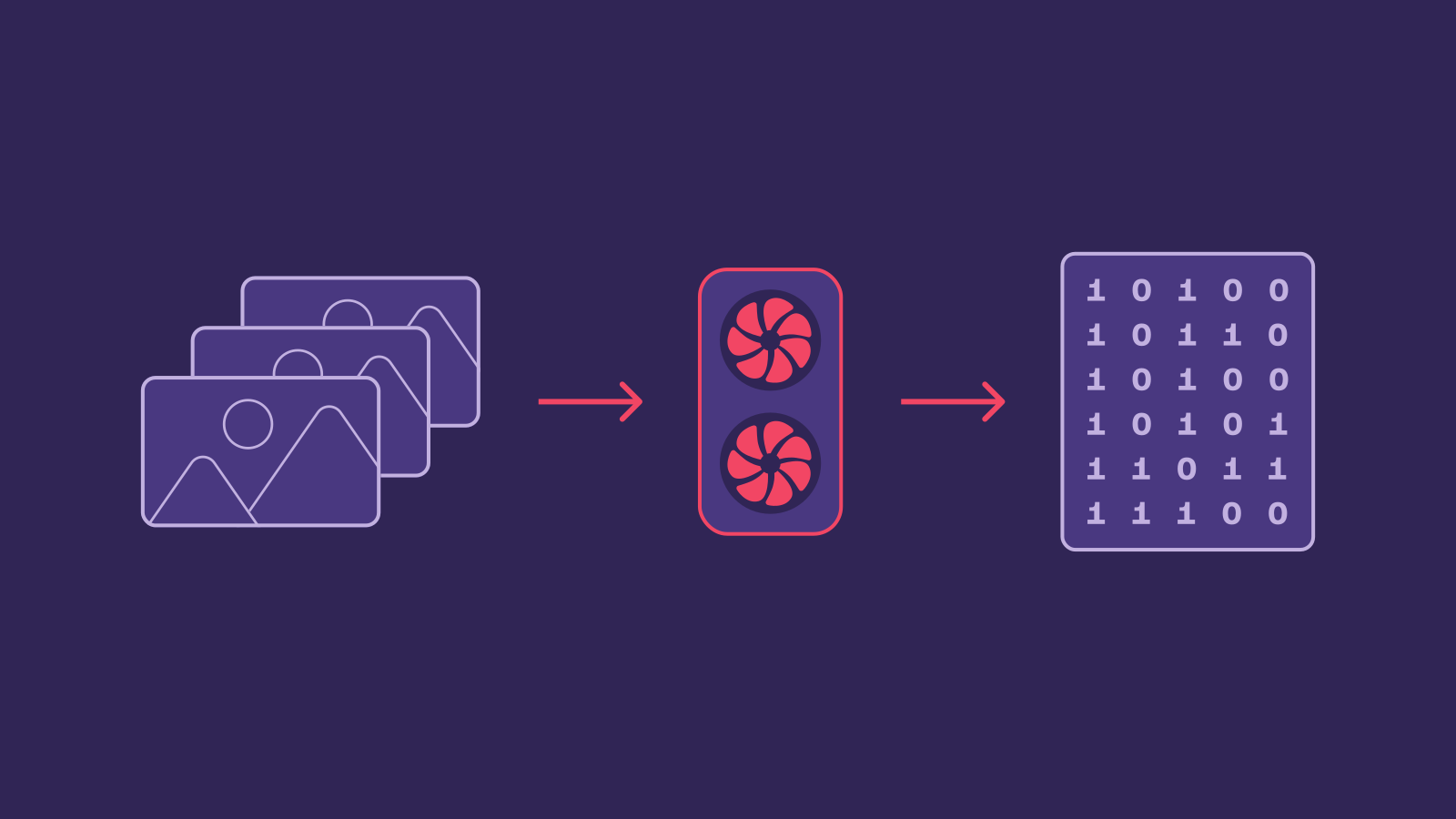
Just want this to be a quick explanation that I can link to whenever the need arises
Video in the computer
Let’s tackle the second part of the name first. As you probably know, video is a series of images. If the images are played at a fast enough rate, an illusion happens and our brains begin to perceive them as if there’s movement in the video, even though the individual images are still (this is actually quite an amazing thing that we take for granted). Naturally, as with all kinds of data, we want to store videos on our computers so they’re durable and easy to access. How do we store them?
An image that we can display on a monitor directly is a matrix of pixels, typically with 3 bytes per pixel. Trying to store this representation gets us in trouble though. Let’s calculate how much space does a 1 minute long, 1080p@30fps video take.
1920 * 1080 * 3 * 30 * 60 = 11 197 440 000B ~= 10.43GiB─┬───────── ┬ ┬─ ┬─ │ │ │ ╰── seconds per minute │ │ ╰── frames per second │ ╰── bytes per pixel ╰── resolution (pixels per frame)And that’s for one minute of video! Clearly that is not what youtube does for storing and streaming their video library. Long story short, it turns out that a) pixels that are next to each other on a frame often have very similar color and b) frames that are next to each other are very similar. This allows video compression algorithms, usually called codecs, to be extremely efficient. It isn’t uncommon to see videos take 1000x less space after compression, and all of this with a barely noticible loss of quality. That’s basically throwing away 99.9% of the data, and a human barely notices. These amazing results do come at a cost though. both compression and decompression (usually called encoding and decoding in the context of video) are quite expensive in terms of computation.
Video on the GPU
Decoding and especially encoding being computationally expensive is the reason for most of your video-capable electronics containing a hardware video decoder and often a hardware video encoder as well. On PCs, they are often a part of the GPU. Since the GPU is both used for displaying images on the screen and for processing images (such as video frames), the hardware encoders and decoders are often used together with the GPU’s rendering capabilities. The usual applications include:
- Decoding a video and showing it on the screen,
- Generating frames and encoding them into a video file,
- Decoding a video, changing it (usually downscaling or upscaling), and encoding again (sometimes with a different codec) - called transcoding,
In order to achieve these workflows, the decoded frames must be transferred between the GPU’s rendering engine memory and the decoder and encoder memory. Historically, it has been quite a hassle to do that without copying the frames to the computers main memory first and then transferring them to the next processing hardware in the chain. And remember, uncompressed video takes a lot of space, as we calculated before. Those transfers are not that cheap.
gpu-video
So, gpu-video is a crate for decoding and encoding videos. You either hand us a compressed video and get frames out, or give us frames and get out the compressed video.
One of the problems gpu-video aims to solve is moving the video frames between the encoding, decoding and rendering engines without passing them through RAM. It achieves that quite idiomatically (if I may say so myself), by handing out or ingesting wgpu::Textures that you can just take and do any wgpu operations you want on them. Of course, you can also get frames as regular byte arrays if that is what you prefer.
Our API being easy to use is also an important goal, since, well, let’s just say APIs for multimedia manipulation are often difficult to use or wrap your head around. That’s why gpu-video only focuses on one specific thing, video [de|en]coding. It allows us to have a simple API focused on video, rather than something very complicated that can handle all multimedia.
And that’s pretty much it for explaining what gpu-video is. You can check out the repo. You can check out the parent project (aptly located in the parent folder) if you want something like OBS but controlled fully programmatically (it can do other stuff too). Checking out smelter (the parent project), trying it out and talking about it with friends is the simplest and free way to help gpu-video’s development.